
How To Add Subtitles to Video on SocialPilot in the New Create Post Experience?
Subtitles enhance the accessibility and reach of your video content by making it comprehensible to a broader audience, including those who are deaf or hard of hearing, non-native speakers, and viewers in sound-sensitive environments. They also improve engagement and SEO performance, leading to higher viewer retention and better search rankings.
With the new Create Post experience, uploading subtitles is now more straightforward and quicker.
Here is how you can add subtitles to a video from SocialPilot.
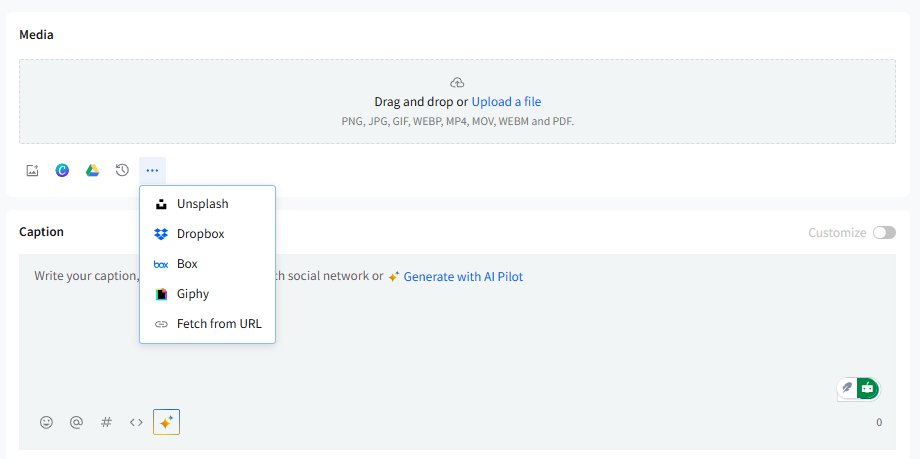
- Go to Create Post and upload your video inside the Media section.
You can drag and drop a video or upload it from your device or connected cloud services.
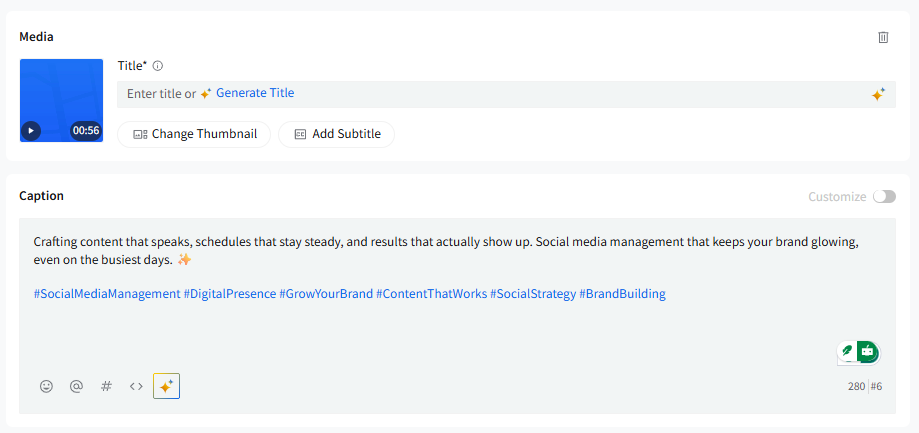
- After the video is uploaded, you’ll see video-specific controls below the media thumbnail: Change Thumbnail, Add Subtitle, and Title.
- Click Add Subtitle to open the subtitle upload modal.
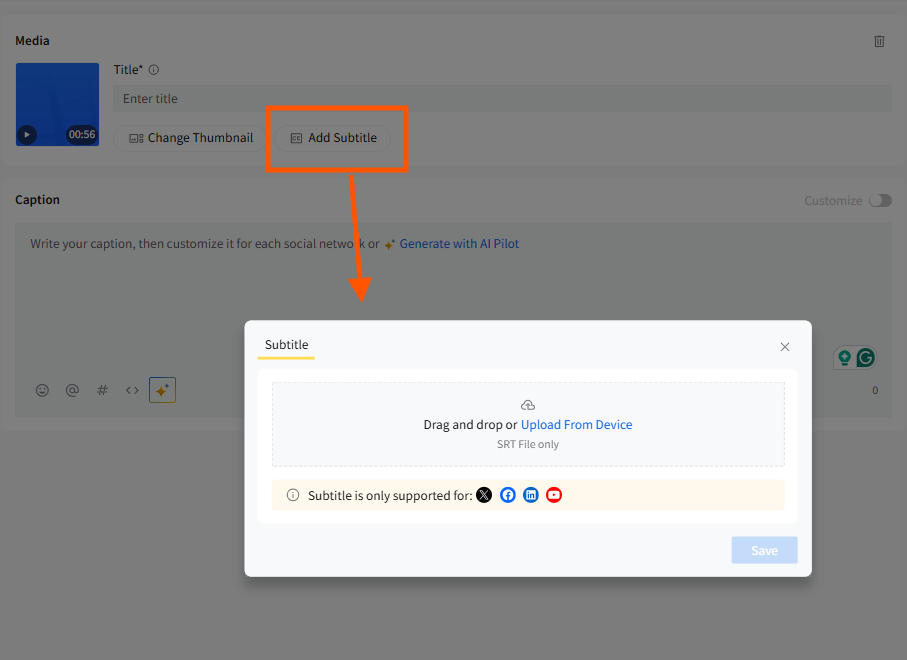
- In the modal, upload your subtitle file by dragging and dropping it or selecting Upload From Device. Remember, only .srt files are supported.
- SocialPilot will show a note inside the modal indicating the platforms that support subtitles. You can add subtitles for Facebook, LinkedIn, YouTube, and X (Twitter).
- Once your subtitle file is added, click Save to attach it to the video.
- Back in the Media section, continue setting up your post:
- Update the video title (required for platforms like YouTube, LinkedIn, and Facebook).
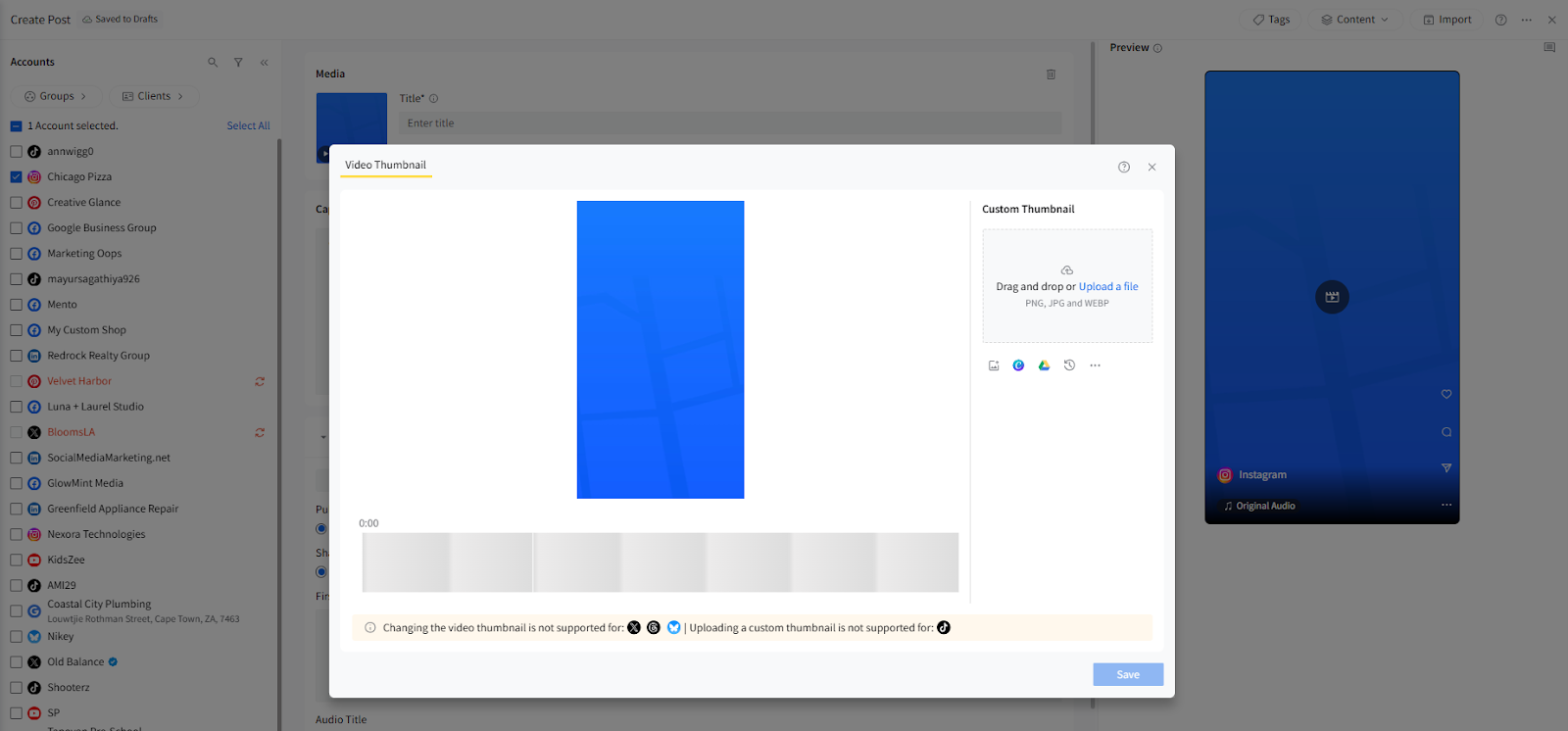
- Change or upload a custom thumbnail if needed.
- Add your caption and complete any platform-specific settings.
-
Preview the post in the right-side Preview Panel to confirm everything looks correct.
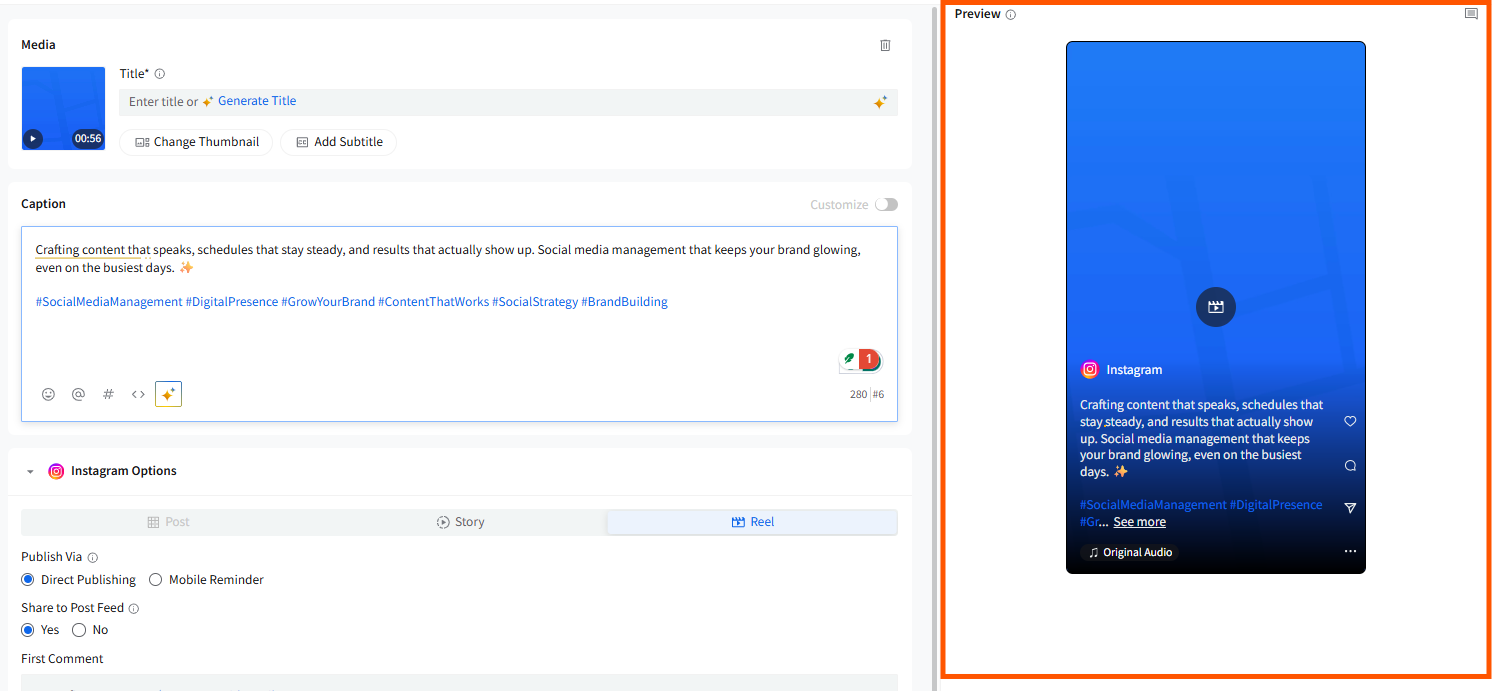
- When ready, select your publishing method—Schedule Post, Add to Queue, or Publish Now.
📋 Notes:
- Only .srt files are supported for subtitles. Ensure your subtitle file is properly formatted to avoid upload errors.
-
You can publish videos with subtitles on YouTube, Facebook, Twitter, and LinkedIn. However, there are some limits:
YouTube and Facebook: You can upload up to 4 subtitle files per video.
LinkedIn and Twitter: You can upload just one subtitle file with one video.
- Subtitles are only available for Posts and not for Stories and Reels.