
How To Schedule Posts on Bluesky From SocialPilot in the New Create Post?
Introduction
SocialPilot allows its users to schedule posts on Bluesky in advance. This simplifies your content strategy by automating post delivery, saving time, and ensuring consistent posting for maximum reach and engagement.
In This Article
Type of Posts You Can Publish on Bluesky
You will be able to efficiently manage and optimize your Bluesky content alongside other platforms from one convenient dashboard. Here are the types of posts you can create for Bluesky within SocialPilot:
- Single image
- Multi-image posts (up to 4 images)
- Video posts
-
GIF posts
Before scheduling, ensure your Bluesky account is connected to SocialPilot. Click here to learn more.
How To Schedule a Post on Bluesky With SocialPilot?
Now, follow these steps to see how to create and schedule posts on Bluesky.
- Go to the Create Post section in SocialPilot.
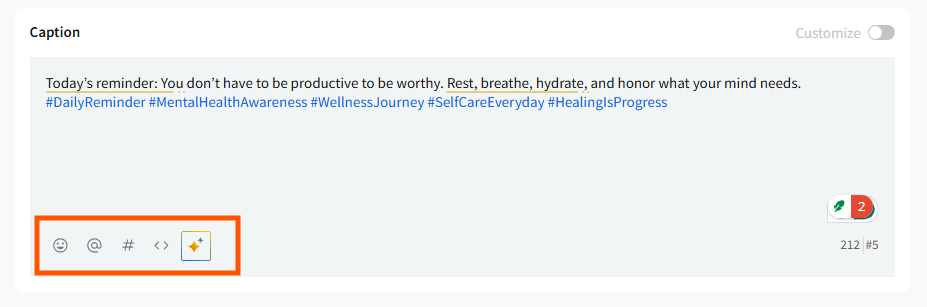
- Start adding your content in the caption box. You can manually write your caption or use AI Pilot to generate a suitable description for Bluesky. You can also add a link to create a link post. The caption can include emojis, hashtags, mentions, and links. The character limit for Bluesky captions is 300.
- Click on the Add Media icon in the media section to upload images (up to 4), a single video, or a GIF from your local device, recently used, or cloud storage options like Dropbox, Google Drive, and Box.
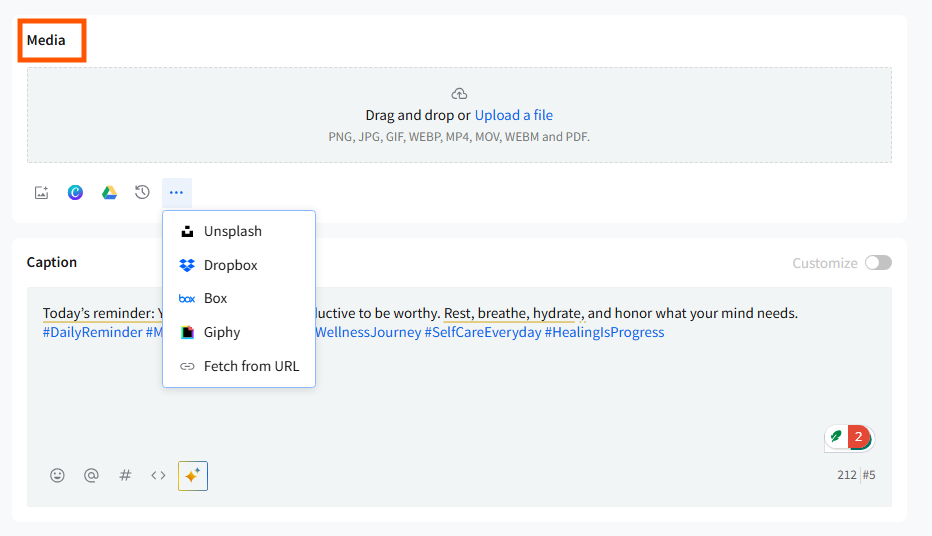
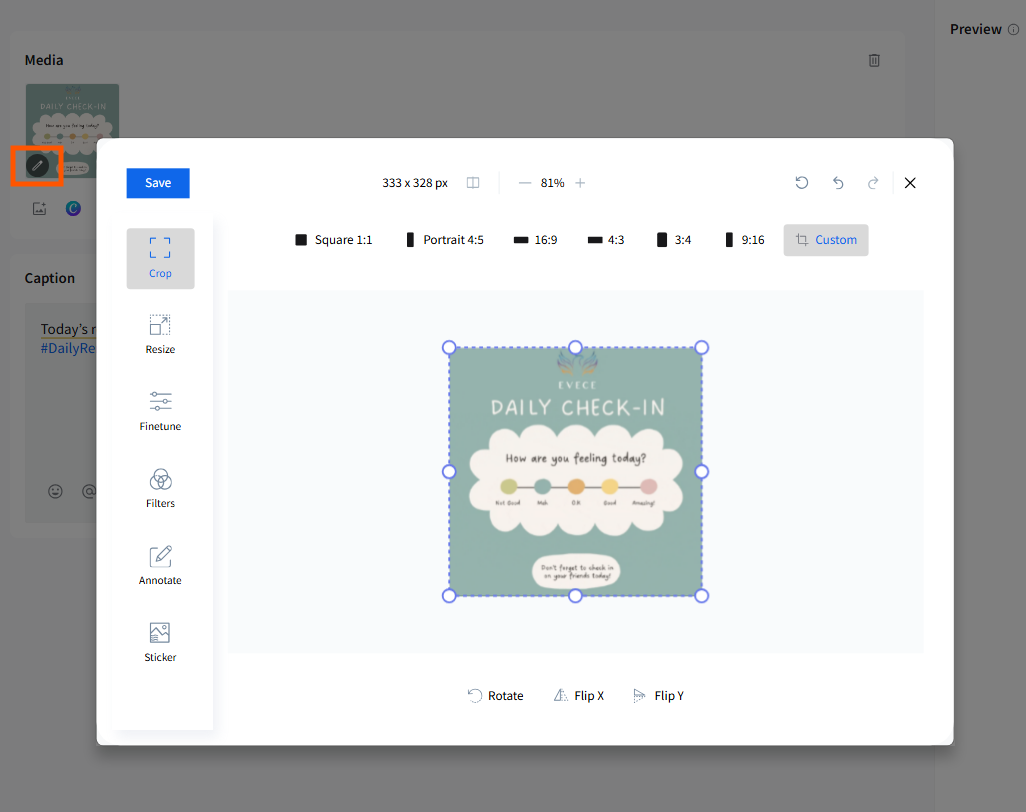
- You can also use images and GIFs that are available through the external media integration within SocialPilot. The built-in media editor can help you resize, crop, and edit your images without ever leaving the app.
Note: Limitations for media assets
- Images need to be below 976 KB (roughly 1 MB).
- Video needs to be below 50 MB and within a length of 3 minutes.
- Email verification is required to upload videos.
- Daily video posting limit of 100
- You can’t upload more than 38GB
- Total daily upload limit of 300
- Max 30 posts in 5 mins.
- Supported formats for images: .jpeg, .jpg, .png, .webp, .heic/.heif (Apple format)
- Formats for videos: mp4, webm & mov and GIFs
- Once your post is ready, go to the Accounts section on the left side of the screen and select the account or multiple accounts you want to publish the post on.
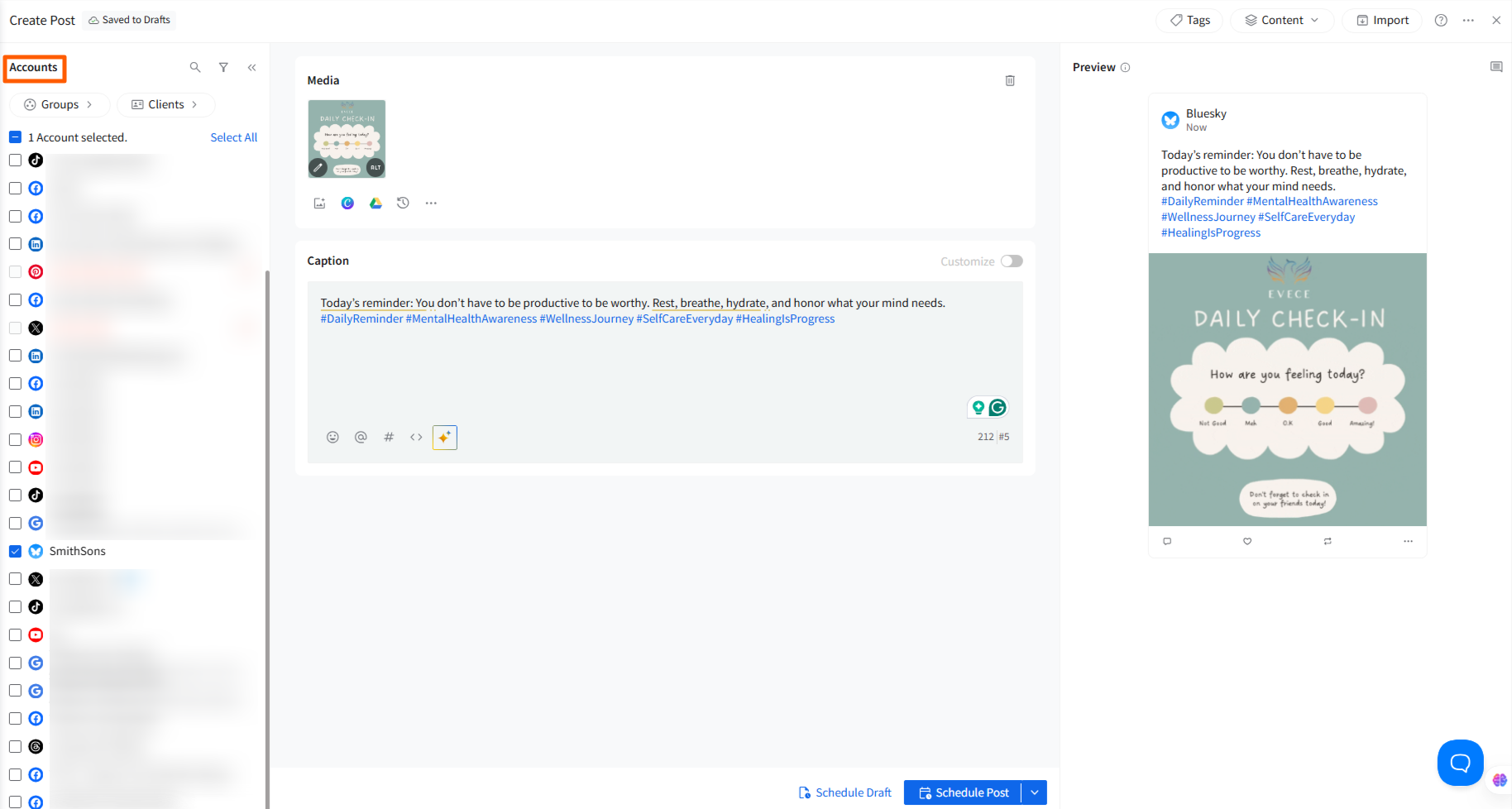
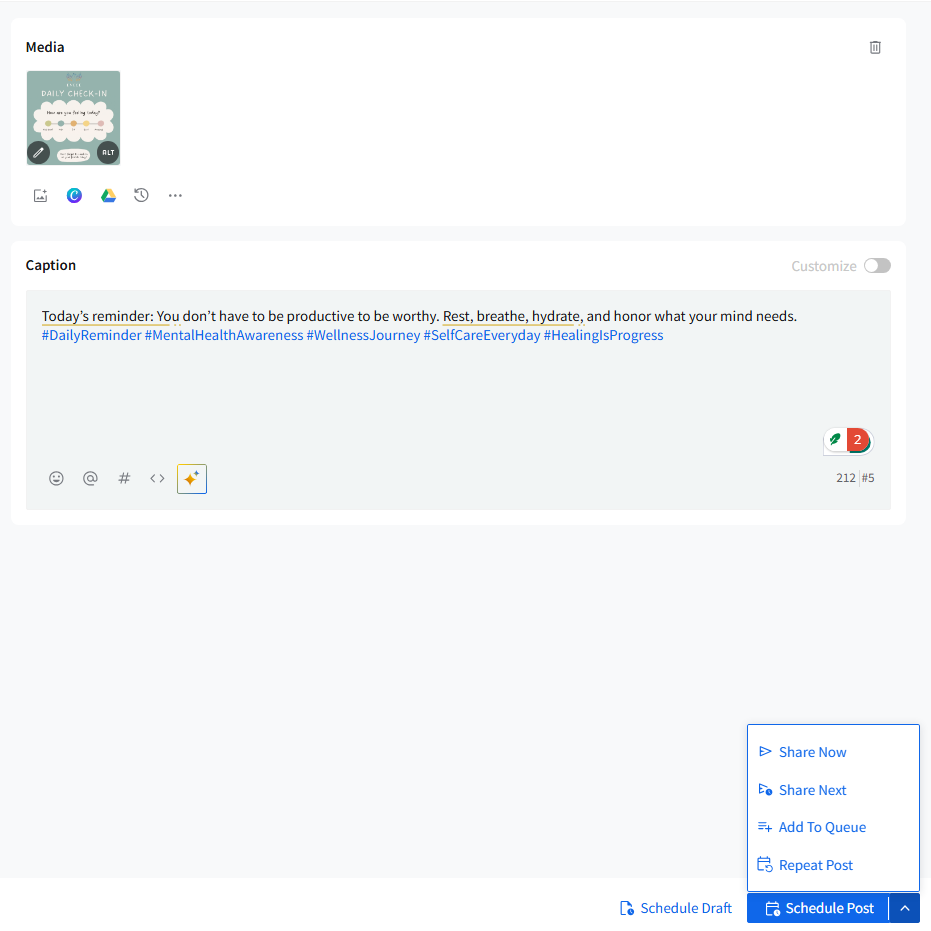
- Now, you can either save the draft with a date and time to edit and schedule later or schedule the post to be published.
-
You can find and edit a draft with a date or a scheduled post before it is published within the Queued Post or Drafts section in Manage Posts.
To learn how to connect your multiple Bluesky accounts to your SocialPilot workspace, click here.