
How to Set Location Limit for a Brand
The Location Limit feature lets owners and admins set a maximum number of locations that can be added under a specific brand. Follow the steps below to set up Location Limit for a brand.
Step 1: Go to Brand Settings
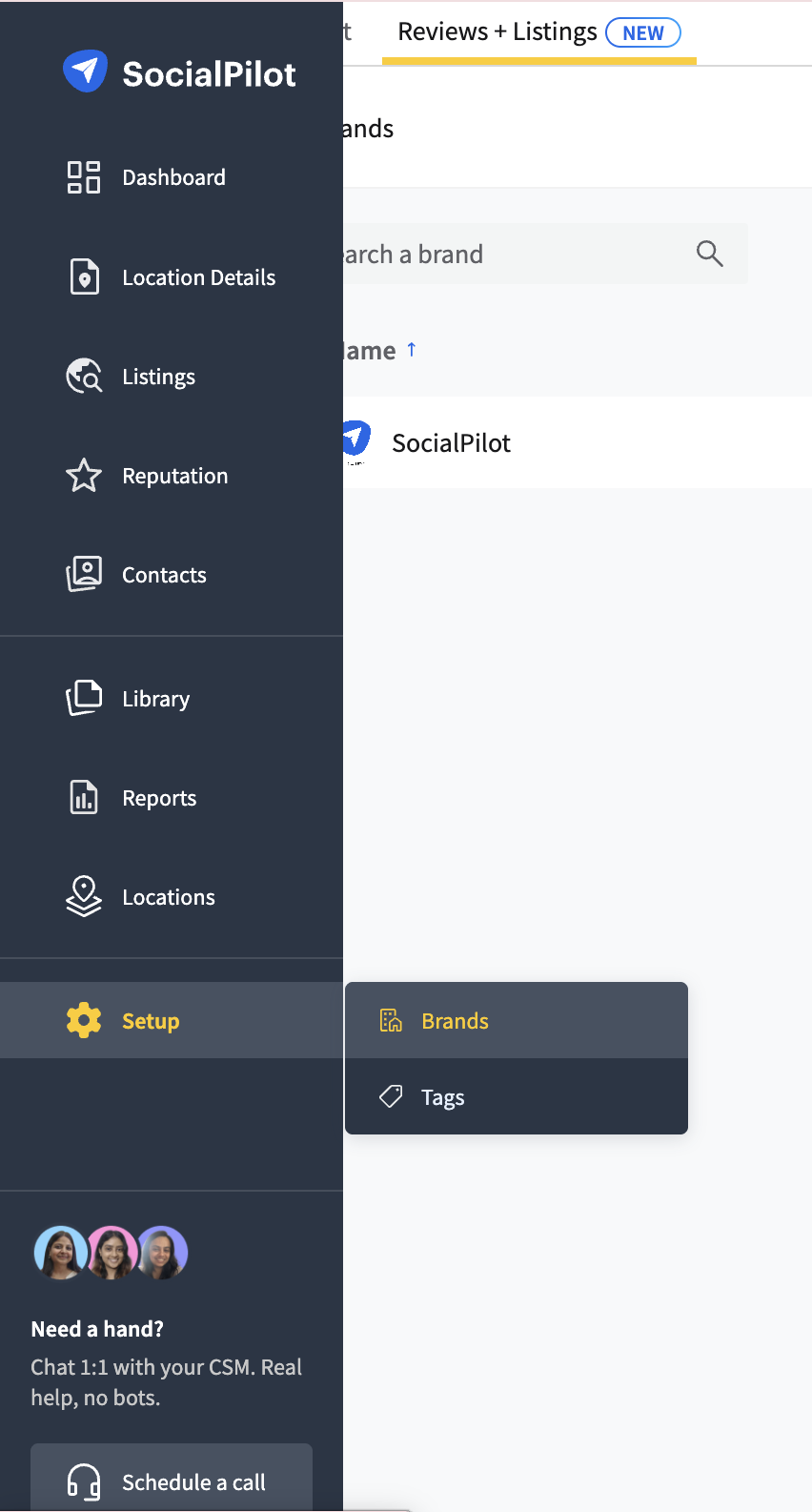
- In SocialPilot Reviews + Listings Page, navigate to Setup from the side menu → select Brands.
- Now select the brand you want to manage.
Step 2: Enable Location Limit
- There you will see the Location Limit section.
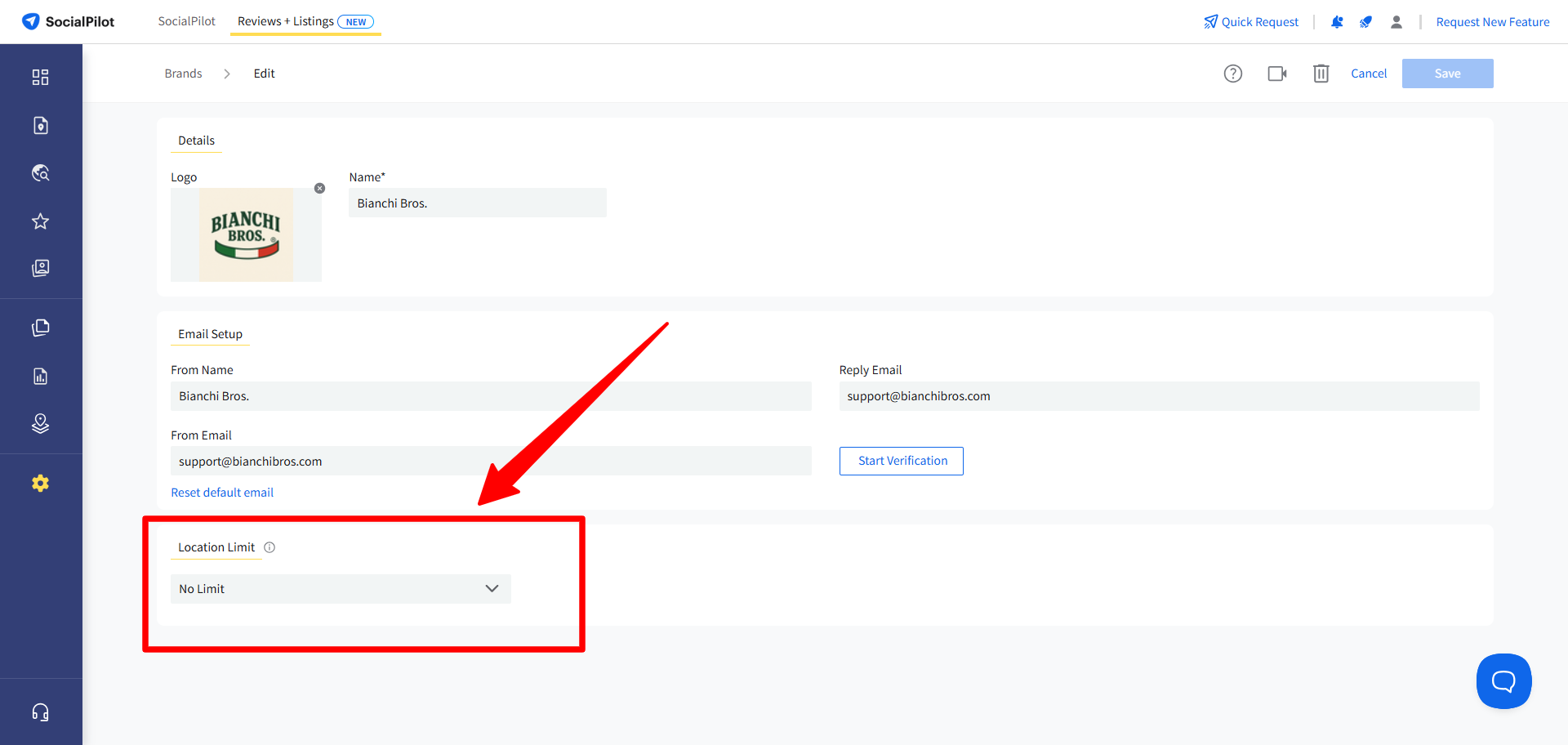
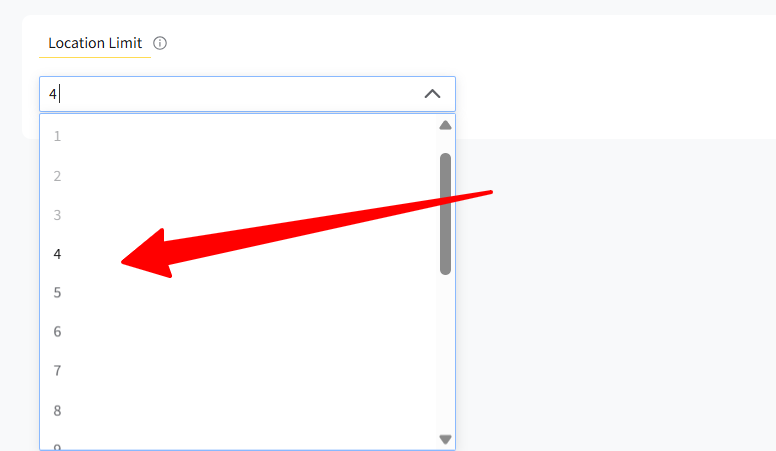
- By default, this setting is turned off. Enter your preferred maximum number of locations to turn it ON and set the limit.
🗒️ Note:
You can set any number greater than or equal to the current count. This limit is independent of your subscription quota.
Step 3: Save Your Settings
- After entering your limit, click Save.
- The limit is now active for that brand.
🗒️ Note:
Location Limit works differently for different users:
- Clients, Managers, and Brand Admins cannot add more locations once the limit is reached.
- Owners and Super Admins can still add a new location even after the limit is reached, as long as they have unused location quota in their subscription.